
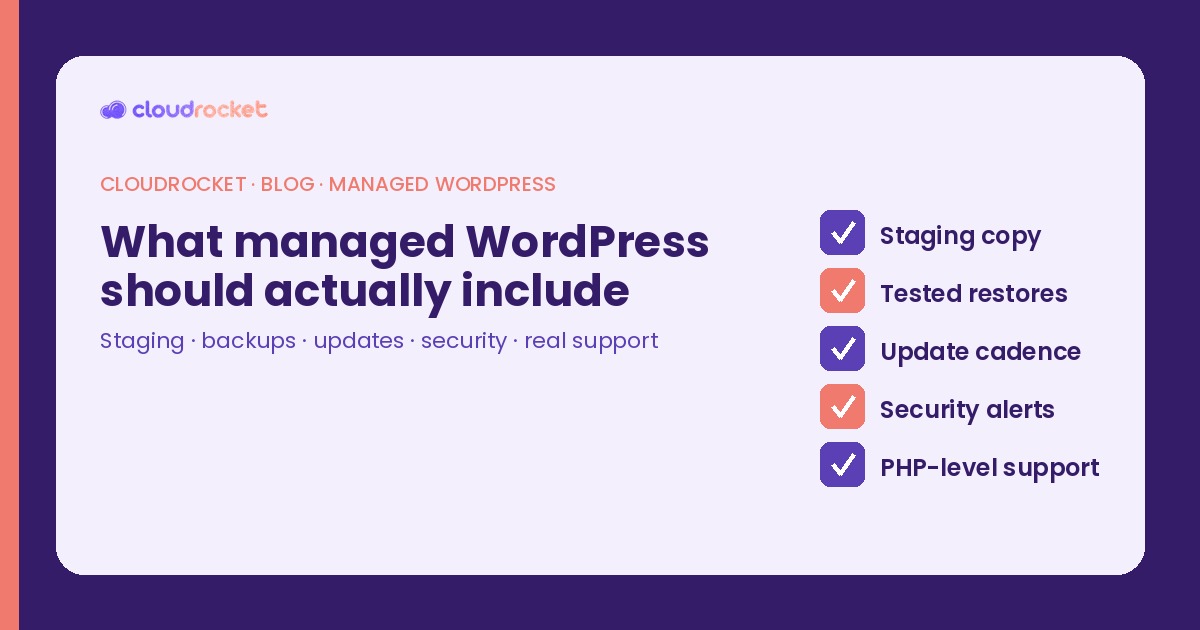
What managed WordPress should actually include
I get asked the same question almost every week: what's the difference between "managed WordPress" and regular hosting with WordPress installed? The marketing pages blur it. Auto-updates. Daily backups. "Optimized for WordPress." None of that tells you what happens when a plugin update blanks the checkout at 10:40 on a Tuesday, or when the backup you trusted for eight months fails to restore cleanly.
Here's the checklist I use when I evaluate a managed plan — for clients and for myself. If a host can't show you how these five pieces work in practice, you're buying shared hosting with nicer adjectives.
1. A staging copy you can actually break
Staging isn't a checkbox. It's a working clone of production — same theme, same plugins, same data shape — where you can update a payment gateway, click through the cart, and watch a fatal error happen in private. I've cleaned up shops that skipped this step because "the changelog looked fine." Four minutes on staging would have saved them an afternoon of refunds.
On a real managed plan, spinning up staging shouldn't take a ticket and two business days. One click, or a short CLI command, and you're testing. If your host only offers a "preview" that isn't a full clone, treat that as a gap.
2. Backups that have been restored, not just stored
A snapshot icon in the control panel is not a backup strategy. I've seen daily backups that couldn't restore the database cleanly after a ransomware-encrypted plugin folder, and "off-site" copies that turned out to live on the same storage cluster as the site.
What I want to see: automated backups on a clear cadence, stored somewhere that isn't the production disk, and a restore drill at least once a quarter — file system and database both, timed, documented. If nobody has restored from those backups in the last six months, you don't know if they work. You have a hopeful icon.
3. An update cadence with a human in the loop
Auto-updates sound responsible until a minor WooCommerce release changes a hook your custom checkout depends on. Managed WordPress should mean someone decides when updates go out, runs them on staging first for anything that touches payments or forms, and has a rollback path ready.
That doesn't mean a human clicks "update" on every plugin every night. It means a cadence: security patches fast, feature releases after a staging pass, and a named person who can say "hold this one" when a changelog smells wrong. Cheap shared hosting that only offers "auto-updates on" is handing you the steering wheel with no brakes.
4. Security monitoring that alerts a person
Malware scanners and firewalls are table stakes. The part that separates managed from "we installed a plugin for you" is what happens when something trips. Does an alert page a human who can quarantine a file at 2am, or does it sit in a dashboard until Monday?
I also care about the boring layer: file integrity checks, login attempt throttling, and a process for rotating compromised credentials without making the site owner dig through cPanel alone at midnight.
5. Support that can dig into PHP and fatals
This is the one that usually decides it for me. When checkout returns a 500, I need someone who can read a stack trace, spot a deprecated function in a child theme, and tell me whether it's the host, a plugin conflict, or my own code. "Have you tried deactivating all plugins?" is not managed support. It's a script.
Good managed WordPress support has seen WooCommerce fatals, object-cache misconfigurations, and cron storms before. They don't need you to translate the error log into ticket-speak.
What cheap shared hosting usually leaves out
None of this is an attack on shared hosting for a brochure site. For a shop, a membership site, or anything where downtime costs money before lunch, the gap shows up fast:
No real staging — or staging that isn't a full clone.
Backups nobody has restored — icons without drills.
Blind auto-updates — no human gate on payment and form plugins.
Alerts that wait for you — scanners without on-call response.
Support that restarts PHP-FPM and stops — no appetite for the application layer.
If your current plan scores three or fewer of the five items above, you're not on managed WordPress yet. You're on hosting that happens to run WordPress. There's nothing wrong with that — until the morning an update looks safe and the shop goes quiet.
Pick the plan that can show you staging, a restore that worked last quarter, and a support engineer who has opened a PHP error log without flinching. That's the managed part. Everything else is marketing.
Ready to put this into practice? Explore CloudRocket hosting, lock down your site with WordPress protection, or run a free website audit.
FAQ
What should managed WordPress include beyond auto-updates?
A working staging environment, tested backups with restore drills, a human-reviewed update cadence for risky plugins, security monitoring that alerts a person, and support that can diagnose PHP and application errors.
Is a daily backup enough for a WooCommerce site?
Only if someone has successfully restored from it recently. Untested backups often fail on the database or media when you need them most.
How is managed WordPress different from shared hosting with WordPress installed?
Shared hosting typically offers auto-updates and basic snapshots. Managed WordPress adds staging, restore drills, gated updates, on-call security response, and application-aware support.
Do I still need to manage content if I pay for managed WordPress?
Yes. You own content, campaigns, and product decisions. The host owns platform operations so a Monday update doesn't take the shop down.