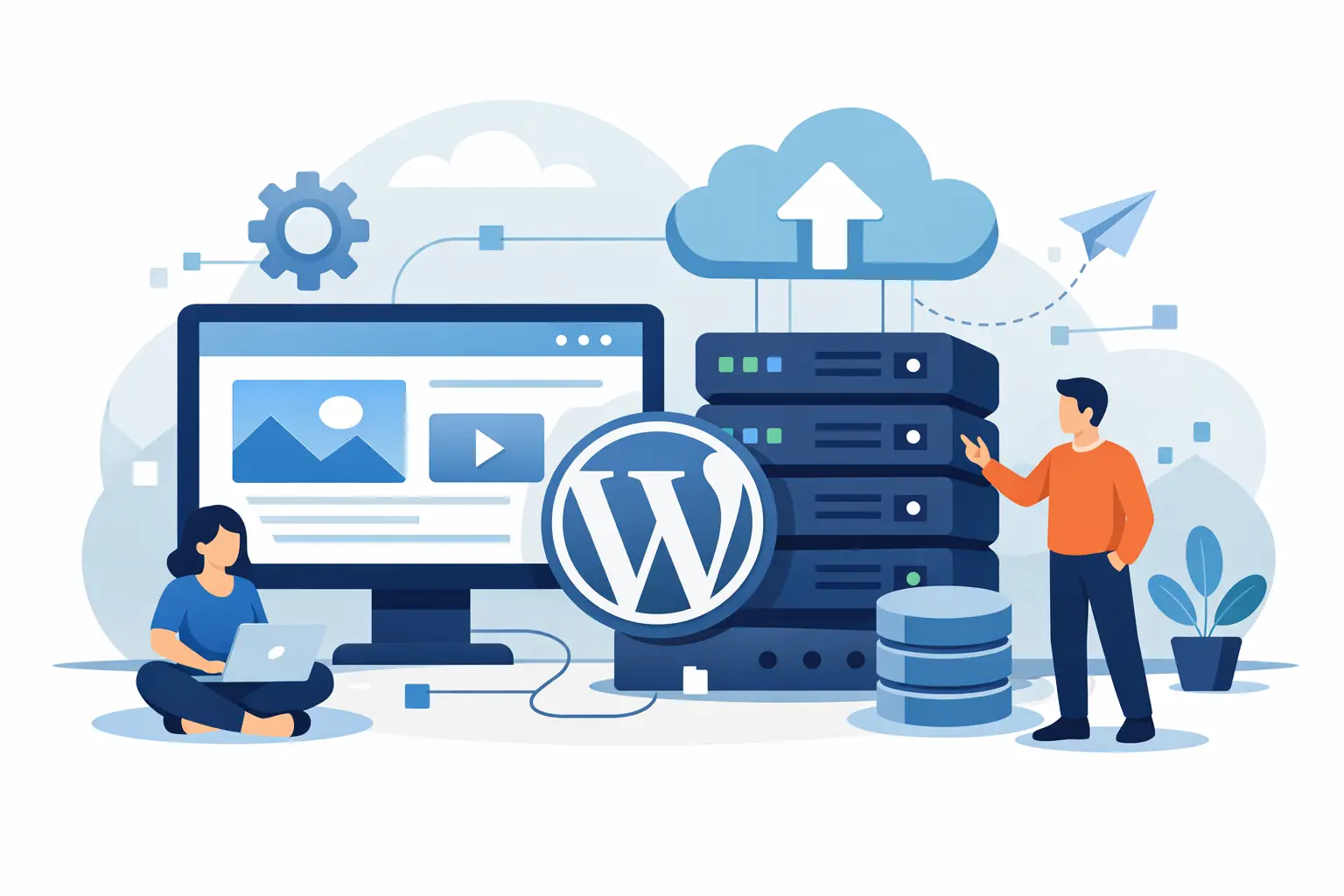
A new WordPress site can be ready to publish in an afternoon. The part that makes many first-time owners hesitate is choosing where it will live. WordPress
hosting for beginners is not about becoming a server expert. It is about picking a dependable foundation so your site loads, stays protected, and has help available when you need it.
A hosting plan stores your website files, database, images, and email-related services on a server connected to the internet. When someone types in your
domains, hosting is what makes your site appear. Pick the wrong plan and you may face slow pages, confusing limits, missing backups, or support that disappears when the problem is urgent. Pick the right one and you can focus on your business, portfolio, blog, or online store.
WordPress itself is free software, but it needs a compatible server environment. At a basic level, that means current PHP support, a MySQL database, enough storage for your content, and an easy way to install and manage the site. Most entry-level plans cover these essentials, which is why the details around security, support, and growth matter more than a long list of technical specifications.
For most first websites, shared hosting is the practical place to start. Your site shares a well-managed server with other customers, keeping costs affordable while giving you the tools needed to run WordPress. It works well for local businesses, service providers, personal brands, new blogs, and smaller online stores.
Shared hosting is not a permanent answer for every site. A store with frequent sales, a content site with large traffic spikes, or an agency hosting many client sites may eventually need more resources. The goal is not to buy more capacity than you need on day one. It is to choose a provider with a clear upgrade path when your traffic and workload increase.
WordPress Hosting for Beginners: Features That Matter
It is easy to get distracted by storage numbers and promotional prices. Before comparing plans, look for the protections and management tools that prevent common problems.
Free SSL is a starting requirement
An SSL certificate encrypts the connection between your website and its visitors. It gives your site the secure padlock in the browser and helps protect form submissions, logins, and customer information. It is especially necessary for ecommerce, appointment forms, and any site collecting contact details.
Free SSL should be included rather than treated as an expensive add-on. You should also confirm that it is easy to activate and renew. A secure site builds trust before a visitor reads a single word of your content.
Daily backups protect your work
Backups are the feature most people appreciate only after something goes wrong. A plugin update can conflict with your theme. A user can accidentally delete a page. Malware or a failed customization can create a bigger issue than expected.
Daily backups give you a recent restore point, which can turn a stressful problem into a manageable fix. Ask how frequently backups run, how long they are retained, and whether restoration is available when you need it. Keeping an occasional separate copy of your most critical content is also a smart business habit.
Support should be available when business is happening
WordPress is friendly to beginners, but it still involves domains, DNS settings, plugins, databases, and updates. You do not need to understand every layer. You do need access to people who can explain the next step clearly.
24/7 expert support is valuable when a site issue happens outside regular business hours or just before an important promotion. Look for hosting support that can help with the hosting environment and point you in the right direction when the issue comes from a WordPress theme or plugin. No host can fix every third-party plugin, but a helpful team can save you hours of guesswork.
A familiar control panel reduces friction
A control panel such as cPanel puts routine tasks in one place. You can manage files, databases, email accounts, domain settings, SSL certificates, and backups without working from a command line. That matters when you are learning.
You may not use every tool immediately. Still, having access to your database and files gives you more control if a developer, designer, or support specialist needs to troubleshoot something later.
A fast website is partly a hosting decision and partly a website-building decision. Large images, overloaded plugins, and poorly built themes can slow down even a strong server. Your host should provide a solid base, while you keep WordPress organized.
Cloudflare CDN integration can help deliver static content from locations closer to visitors, which is useful for businesses serving customers across the US. Current PHP versions, such as PHP 8.2 compatibility, also help WordPress run efficiently when your theme and plugins support them. These tools are not magic fixes, but they give your site a better chance to perform well as it grows.
How to Choose the Right First Plan
Start with what your site needs during the next six to twelve months, not a hypothetical future with millions of visitors. A single brochure-style business site needs less than a store with hundreds of products. A freelancer may need a professional email address and contact form, while a developer might care more about SSH access, databases, and multiple domains.
Check the practical limits before purchasing. Can the plan support the number of websites and databases you expect? Does it include email if you need it? Are there resource limits that could affect a busy store or a high-traffic campaign? Clear plan tiers make it easier to match your current needs without paying for unused capacity.
A Startup-level plan is often enough for one new site. A Business or Professional plan may make more sense if you manage several domains, need additional resources, or expect regular traffic. Enterprise-level shared hosting can fit larger web operations, but there is a point where a KVM
web hosting becomes the better choice. A VPS provides dedicated virtualized resources and root-level control, which is useful for experienced users, custom applications, or sites that have outgrown shared hosting.
For a first-time owner, the best choice is usually the plan that includes core protections and leaves a straightforward path upward. Cheap hosting that excludes SSL, backups, or responsive support can cost more later in lost time and preventable downtime.
Set Up Your WordPress Site in the Right Order
Once you have selected hosting, the setup process is more manageable when you handle it in sequence. Register or connect your domain first, then make sure it points to your hosting account. Install WordPress through your control panel or host installer, activate your SSL certificate, and confirm your site opens with the secure HTTPS version of the address.
Next, choose a well-supported theme and install only the plugins you truly need. Add essential pages such as Home, About, Services or Shop, Contact, Privacy Policy, and Terms if they apply to your business. Before promoting the site, test the contact form, check it on a phone, and create a backup after your core pages are finished.
Keep WordPress, themes, and plugins updated. Updates often include security fixes, but it is wise to run a backup first and test major changes during a quieter time. Remove themes and plugins you no longer use. Fewer moving parts generally mean fewer chances for conflicts and slower performance.
Avoid These Common First-Time Hosting Mistakes
Do not choose a host based on the lowest introductory price alone. Renewal pricing, included features, support quality, and backup policies shape the real value. A low-cost plan can be a good fit, but only when it covers the essentials your site depends on.
Do not install a plugin for every small feature. Many plugins are excellent, yet too many can create compatibility problems and extra maintenance. Use a quality theme, choose reputable plugins, and review whether each one earns its place on your site.
Finally, do not wait for a problem to understand your recovery options. Know where your backups are, keep hosting login details secure, and save a record of your domain registration information. Those small steps create confidence when you need to make a change quickly.
A professional website does not require enterprise complexity. With free SSL, daily backups, cPanel access, Cloudflare support, and 24/7 guidance included in a plan like CloudRocket's, you can begin with the essentials and build at a pace that fits your business. Launch the site, keep it updated, and let your hosting grow only when your work gives it a reason to.